Alerting & Notifications
Real-Time CVE & Vulnerability Alerts
Receive vulnerability alerts via Email, Slack, Microsoft Teams, Jira, or Webhooks. Get the right information to the right people at the right time.
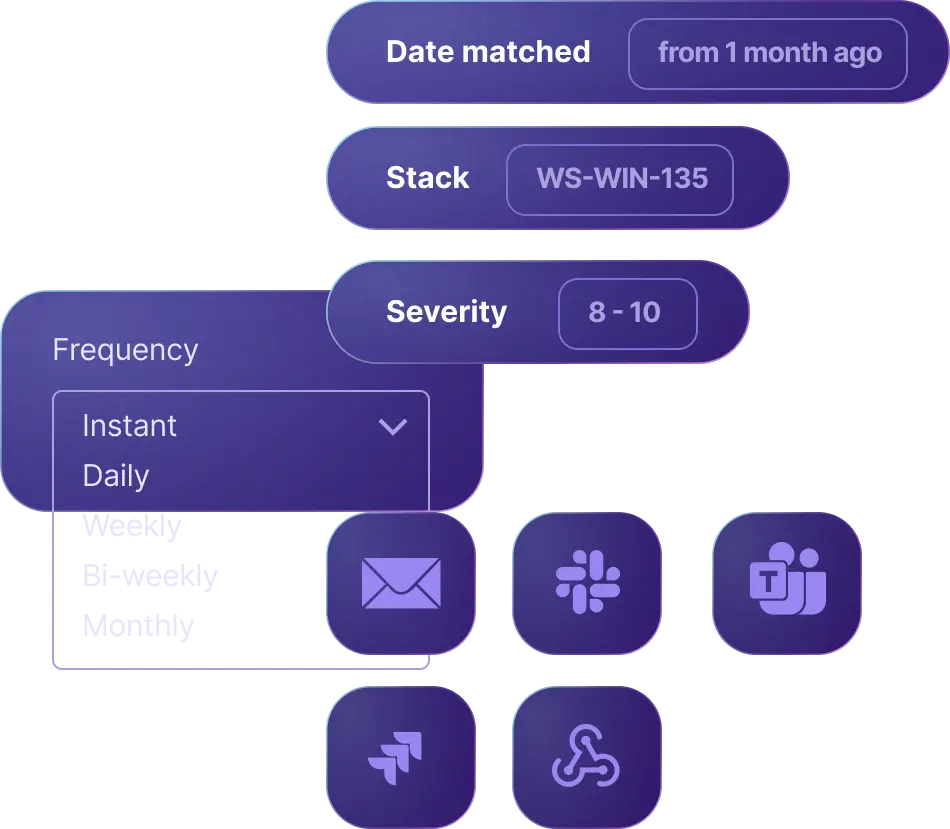
Receive vulnerability alerts via Email, Slack, Microsoft Teams, Jira, or Webhooks. Get the right information to the right people at the right time.
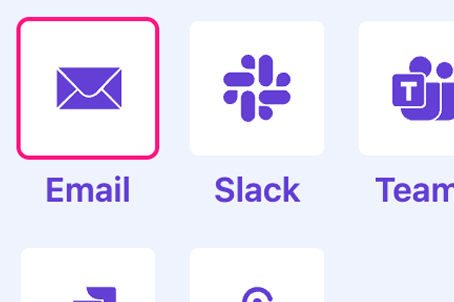
Deliver alerts via Email, Slack, Microsoft Teams, Jira, or custom Webhooks.
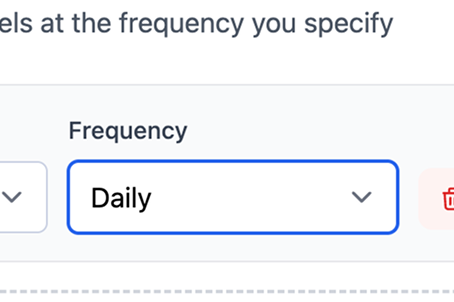
Choose immediate alerts, daily digests, or weekly summaries based on your needs.
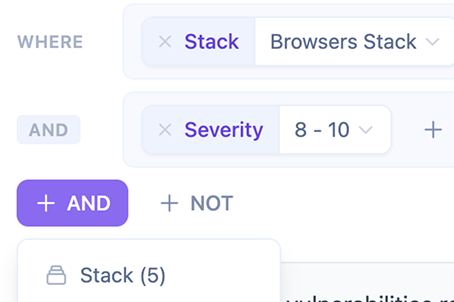
Only get alerted on vulnerabilities that match your software and severity thresholds.
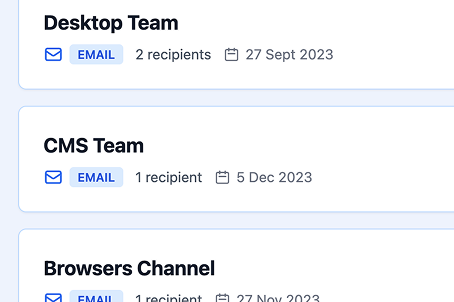
Route different alerts to different teams based on affected software or severity.
Set up Email, Slack, Teams, Jira, or Webhook integrations in minutes.
Define what vulnerabilities trigger alerts and who receives them.
Choose real-time alerts, daily digests, or weekly summaries.
Get notified with all the context needed to take immediate action.
Rich HTML emails with vulnerability details
Direct messages or channel posts with interactive buttons
Adaptive cards with vulnerability information
Automatically create issues for vulnerability tracking and remediation
Send alerts to any system via HTTP webhooks
Only alert on critical, high, or custom severity levels
Get immediate Slack alerts for critical vulnerabilities affecting production systems.
Receive weekly email digests of vulnerabilities in your dependencies.
Use webhooks to trigger automated workflows when new vulnerabilities are detected.
Start your free 30-day trial today. No credit card required.